Generic router / blinking blue
WPS light blinking on router
WPS blinking usually means the router is waiting for a nearby device to pair. It should stop after the pairing window closes.
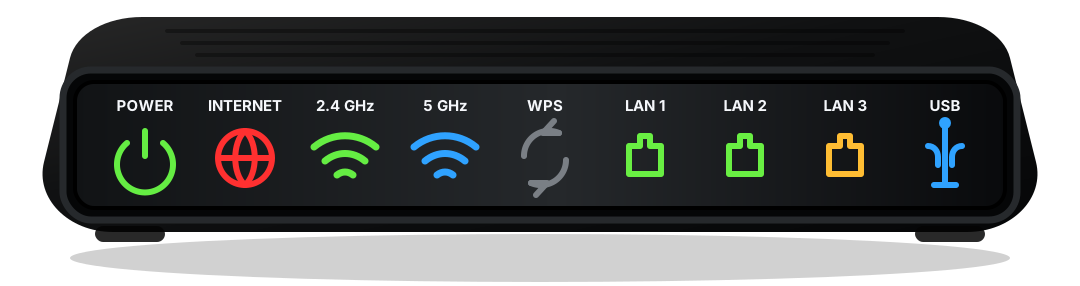
Short answer
What does a blinking WPS light mean?
WPS blinking usually means the router is waiting for a nearby device to pair. It should stop after the pairing window closes.
When the model is unknown, read the LEDs by function first: power, service, wireless, local network, and pairing.
Safe order
Check in this order
- If WPS was pressed, let the pairing window close.
- Check whether the online light is steady.
- Avoid repeated resets during firmware or boot activity.
- If the light keeps blinking, power cycle once and retest.
Light labels
What the nearby label changes
Before a factory reset
A reset can erase Wi-Fi names, passwords, port forwarding, and provider activation state. Use it only after power, cable, outage, and startup checks do not explain the light.
When to call support
Call the provider when Online, Internet, Broadband, US/DS, or Optical never reaches a steady normal state after one clean restart and cable check.
When Wi-Fi settings matter
Change Wi-Fi settings only when service lights are healthy but phones, laptops, or smart devices cannot join the wireless network.